Pathways.00
Installation for Dancing the Algorithm exhibit
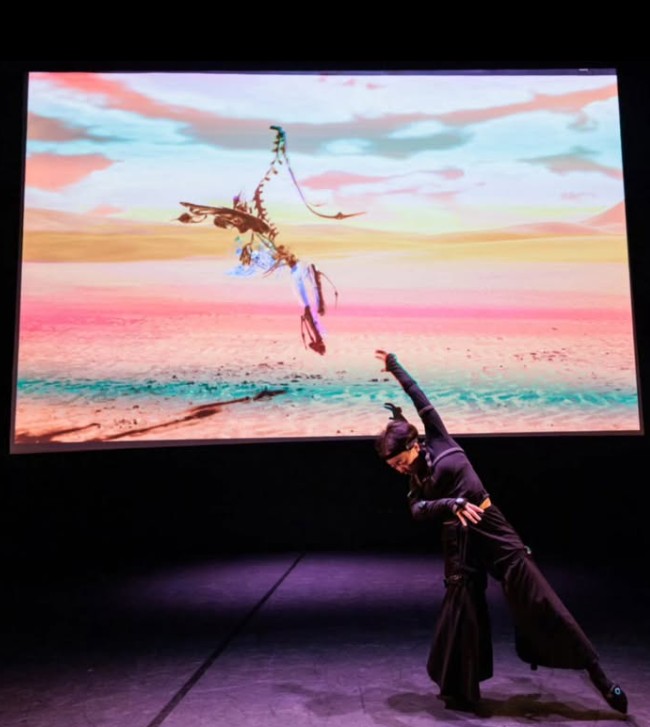
In early 2025 I was approached by artist Katherine Helen Fisher who was curating an art exhibition for Jacob’s Pillow Festival 2025 called Dancing the Algorithm, described in her words as “a meditation on movement in the algorithmic age”.
Continuing my work exploring parametrically choreographed virtual dancers inside real-time engines, I developed a short animated piece set to music using my custom skeletal mesh cloning system inside Unity alongside my approach to seamlessly blending between choreographed sets of movements, performer locations & lighting & visual styles through custom Unity timeline C# scripts.
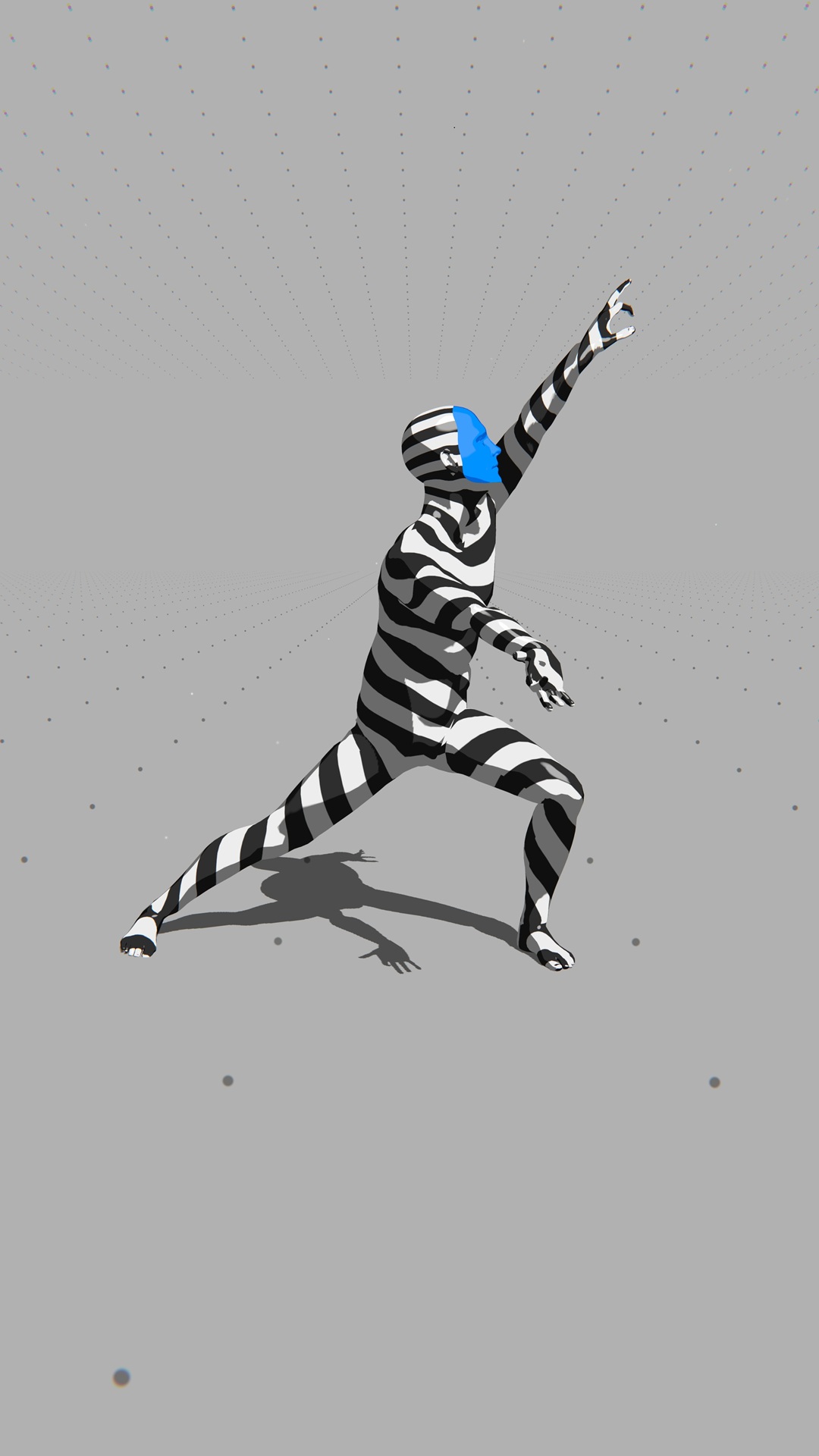
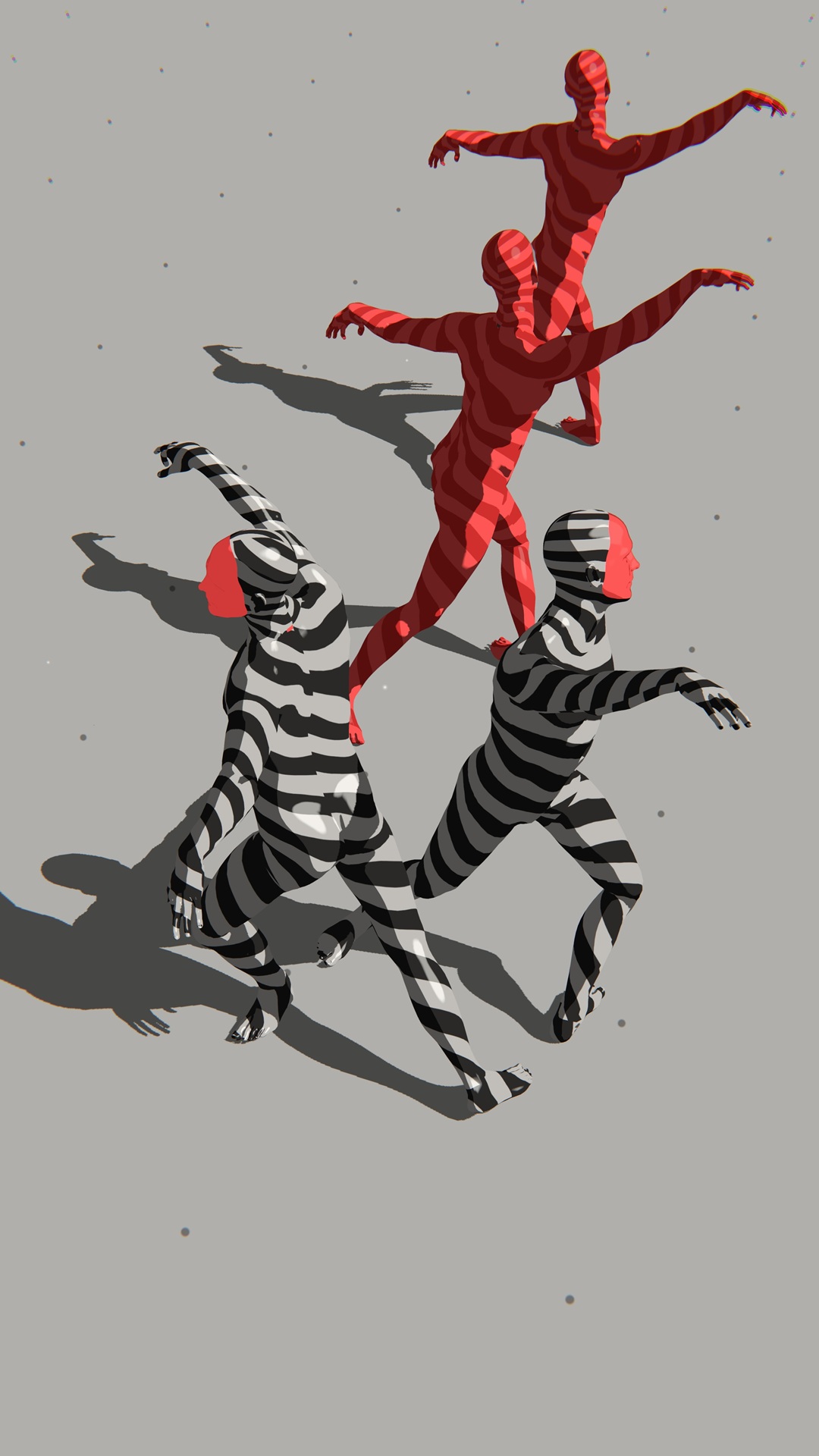
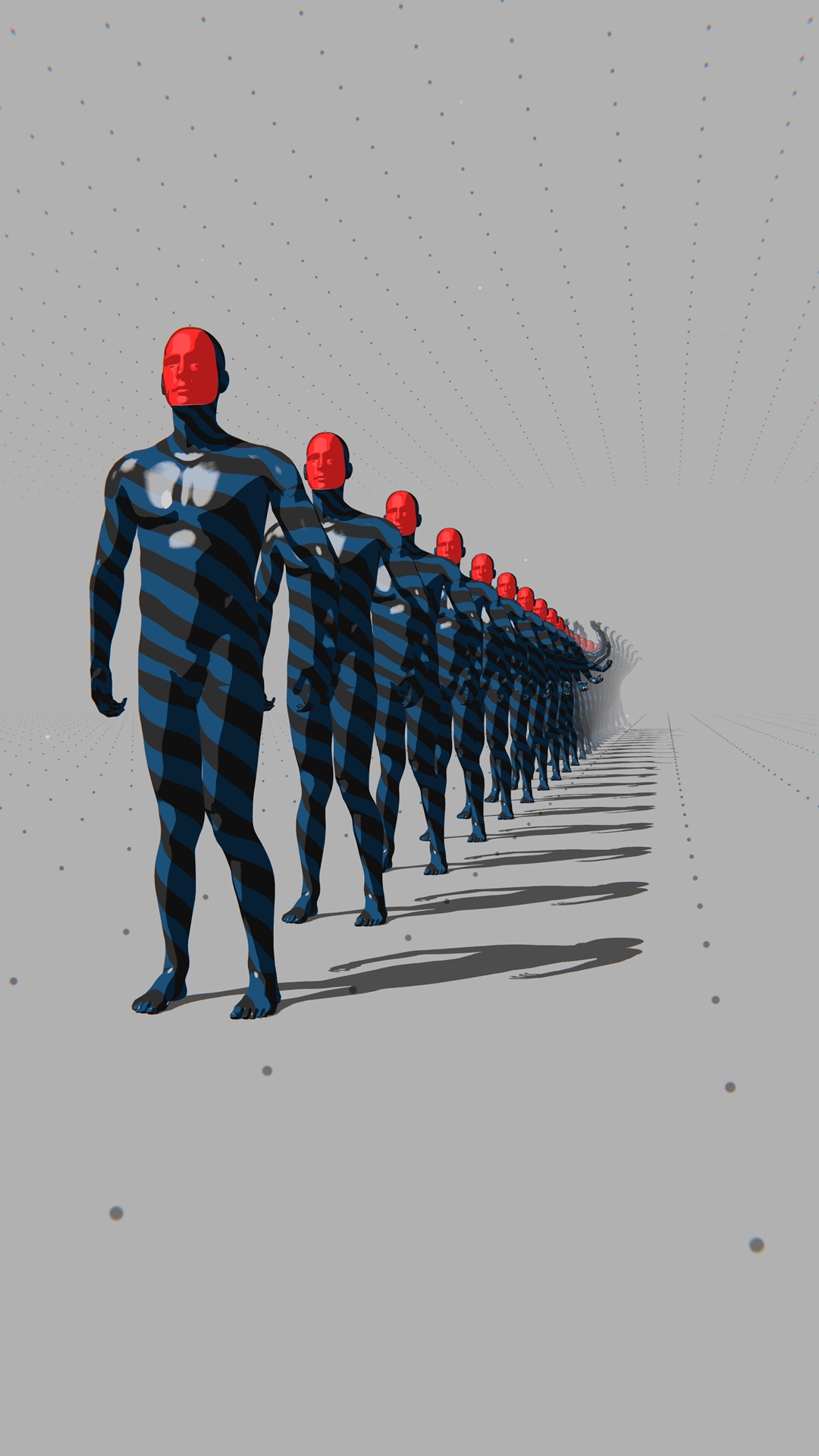
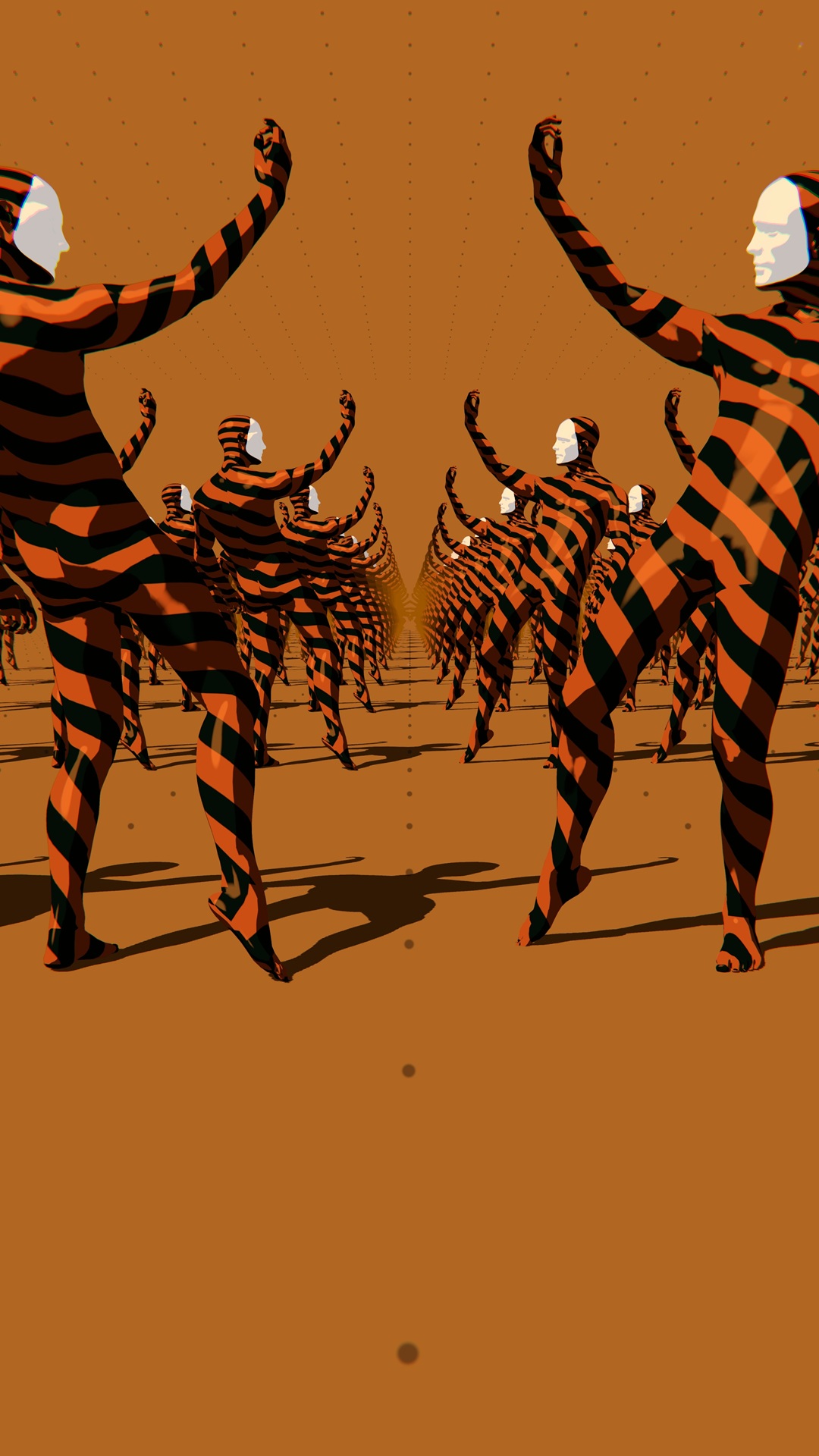
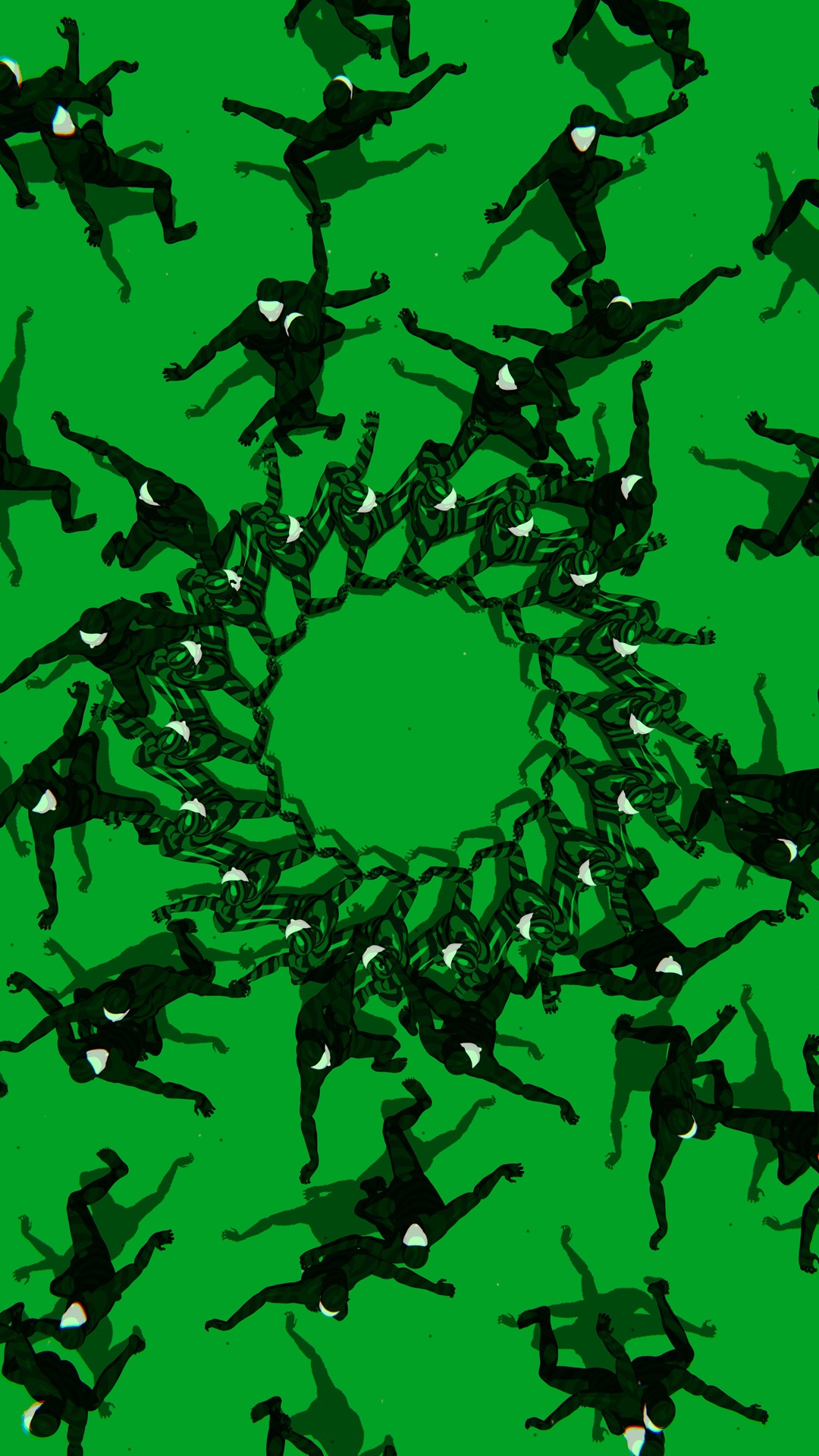
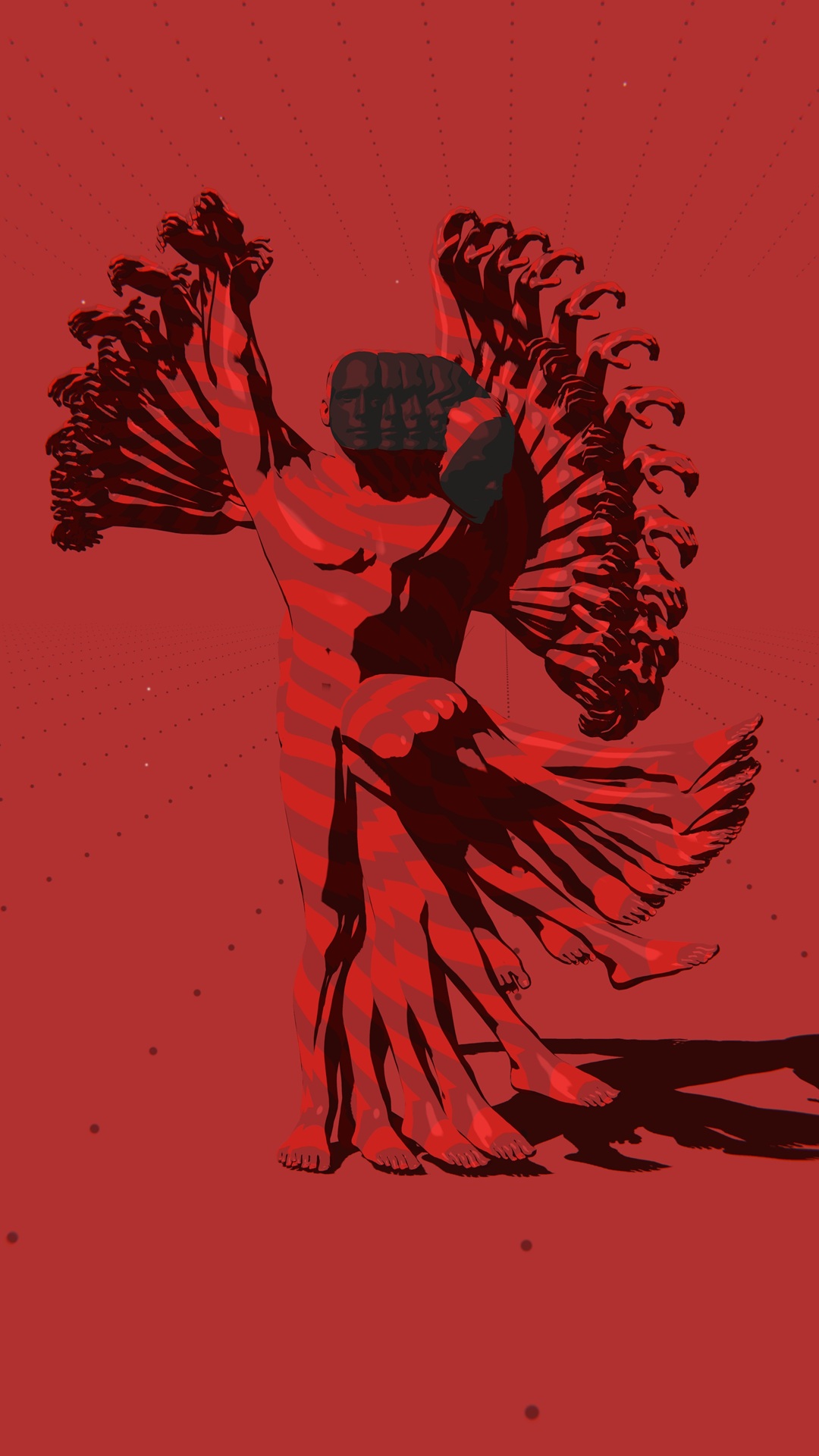
The exhibit got written up by the NYTimes, showing a video recording of part of my work
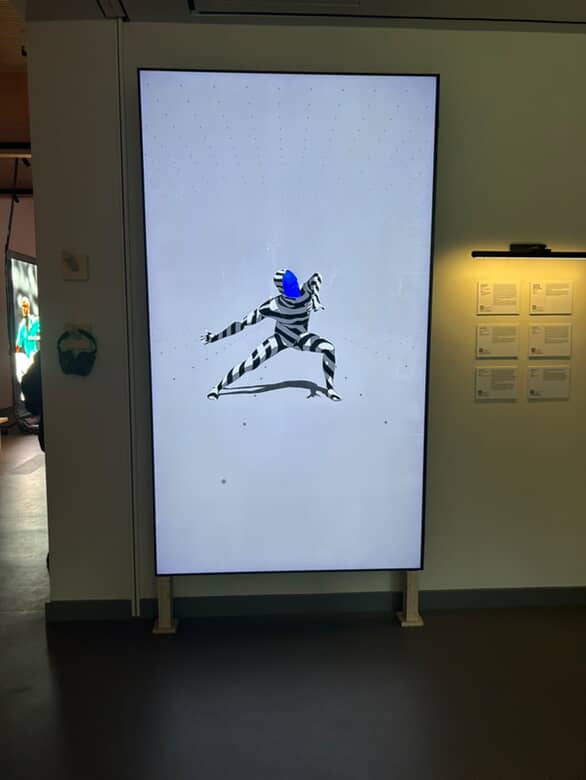
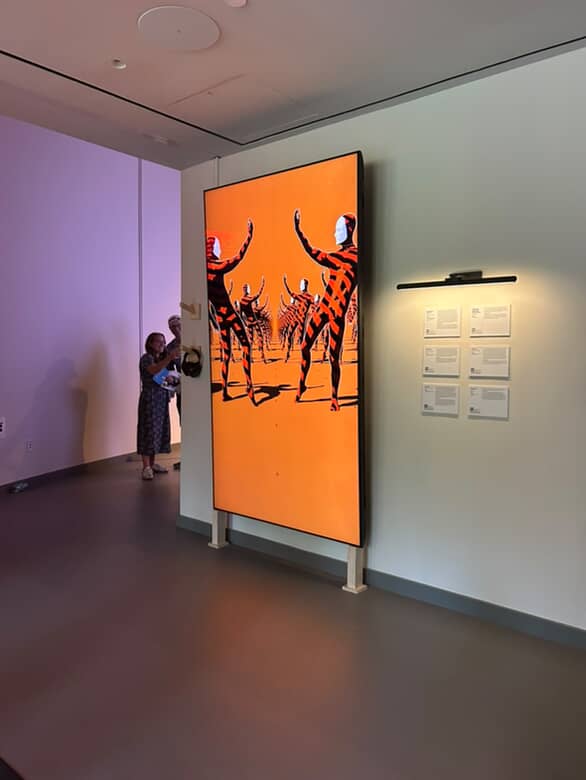
Process
Motion Capture
credit: ZeroSpace capture with Cameraon Surh (you can see me observing in the back haha)
credit: Zelia ZZ Tan
GPU Bone Skinning
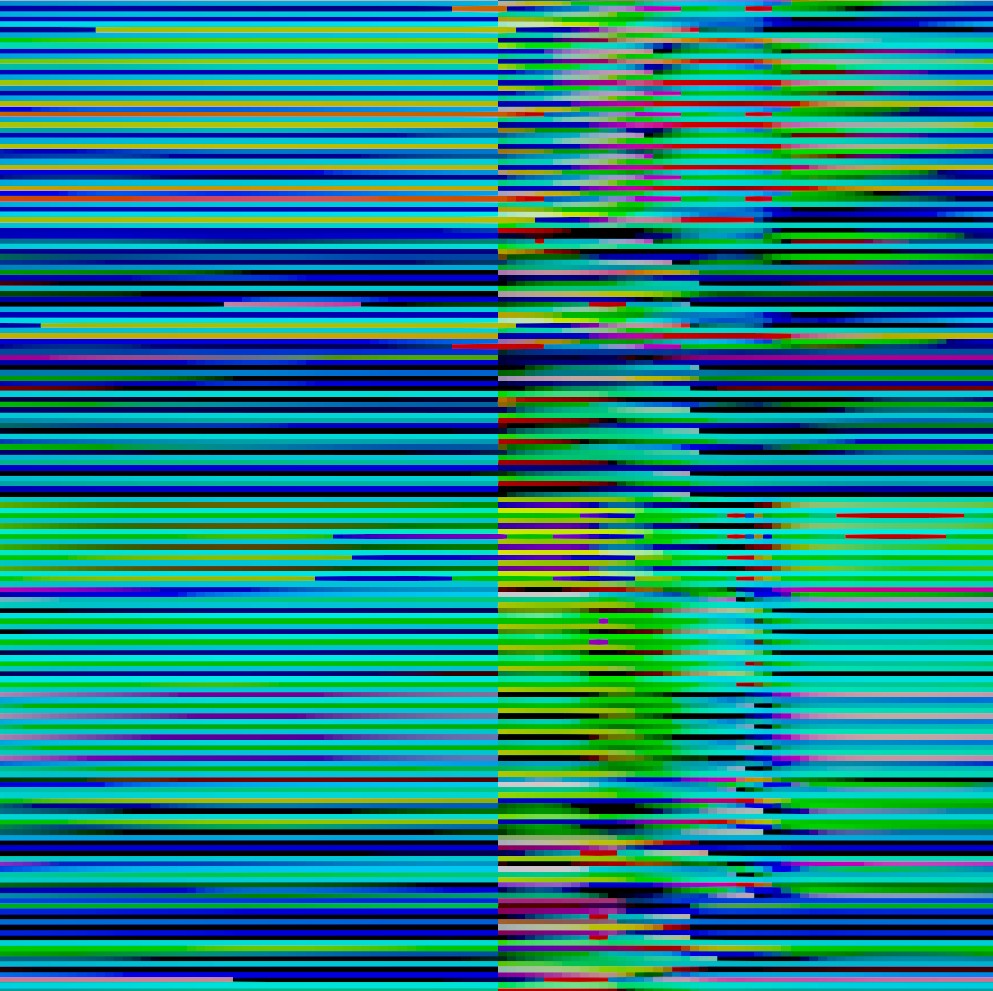
In order to instantiate hundreds of skeletal mesh animations efficiently, I instantiated static meshes on the GPU and did all of the vertex bone skinning matrix transformations inside the vertex shader. The upside to this vs. using a Vertex Animation Texture is you are not relient on the vertices of the model, just the bones, and the size of the texture is far far reduced, the trade off being more computation is done on the GPU.
- Data passed in as position & orientation (float3 and float4)
- A single 2D texture contains all animation data
- Inbetween frame interpolation to allow smoothly slowing down movements
- Utility capture tool to record any bone animation in Unity to a render texture
Manipulating movement per instance
In the system I built, I prioritzied being able to easily arrange instances in geometric formations or along splines, and to manipulate how each instance samples the bone animation texture, effectively animating the ‘playhead’ of each instance separately, and controlling temporal offsets per instance to create emergent patterns of movement cascading across space
Sequencing & Procedural Animation
Sequencing what dance animation to use when, with what layout of dancers was all done through custom timeline based tools I wrote using the Playables API
Time-parameterized animation systems
Even though the installation runs in real-time, the output is first and foremost trying to tell a visual story set to music. Dialing in the composition of each frame, ensuring the right pose of each dance hits on the right part of the music…etc is the priority. For that reason, all of my animation systems are controllable by the playhead of the Unity timeline using Unity’s Playable API, allowing me to scrub back and forth and curate every shot, while still retaining the flexibility and efficiency of procedural animation tools.
Timelined choreography
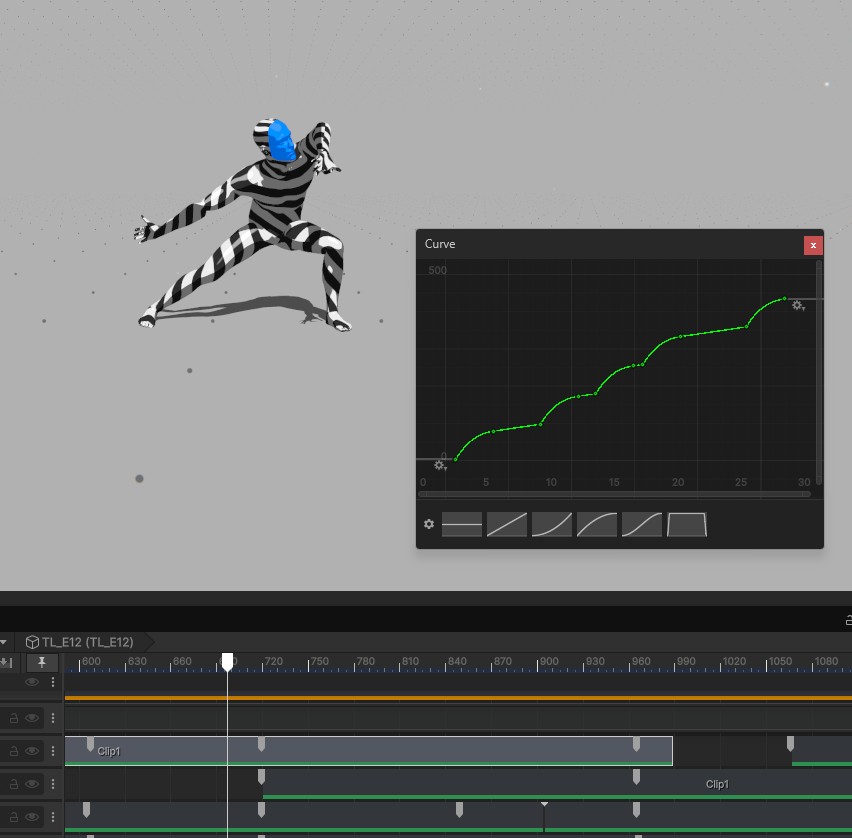
The dance mocap to use and physical layout of the dancers was all controllable easily through the timeline using the custom C# timeline clips that communicated with the GPU bone skinning components in the scene, enabling quick iteration with finding the right dance clip, layout and section to use at any time in the sequence.
BPM based animation curves
To avoid animating by hand, I built a custom timeline system for generating different types of animation curves based on various parameters and BPM, to easily sync with any music. You just put the clip on the timeline, dial in the per-clip values you want including BPM, and it generates the animation curve data for you under the hood, synced to the playback head of the timeline